Bring-a-friend
Want to bring a friend? Great! Here’s how to get them set up.
Review the following Instructions about:
Waiver
Promo Codes
Class Pack Sharing
Complete a Waiver (Required)
All participants must have a signed liability waiver before attending.
Friend’s Parents have two options:
Enroll in a Class (Recommended):
Send the parent the class schedule. When they book a class, the waiver will be signed during checkout.Waiver only:
Send the waiver link to the parent. Once completed, their child will be added to our system.
Note: Be sure to check class availability before since since they are not reserved ahead of time.
Using a Promo Code
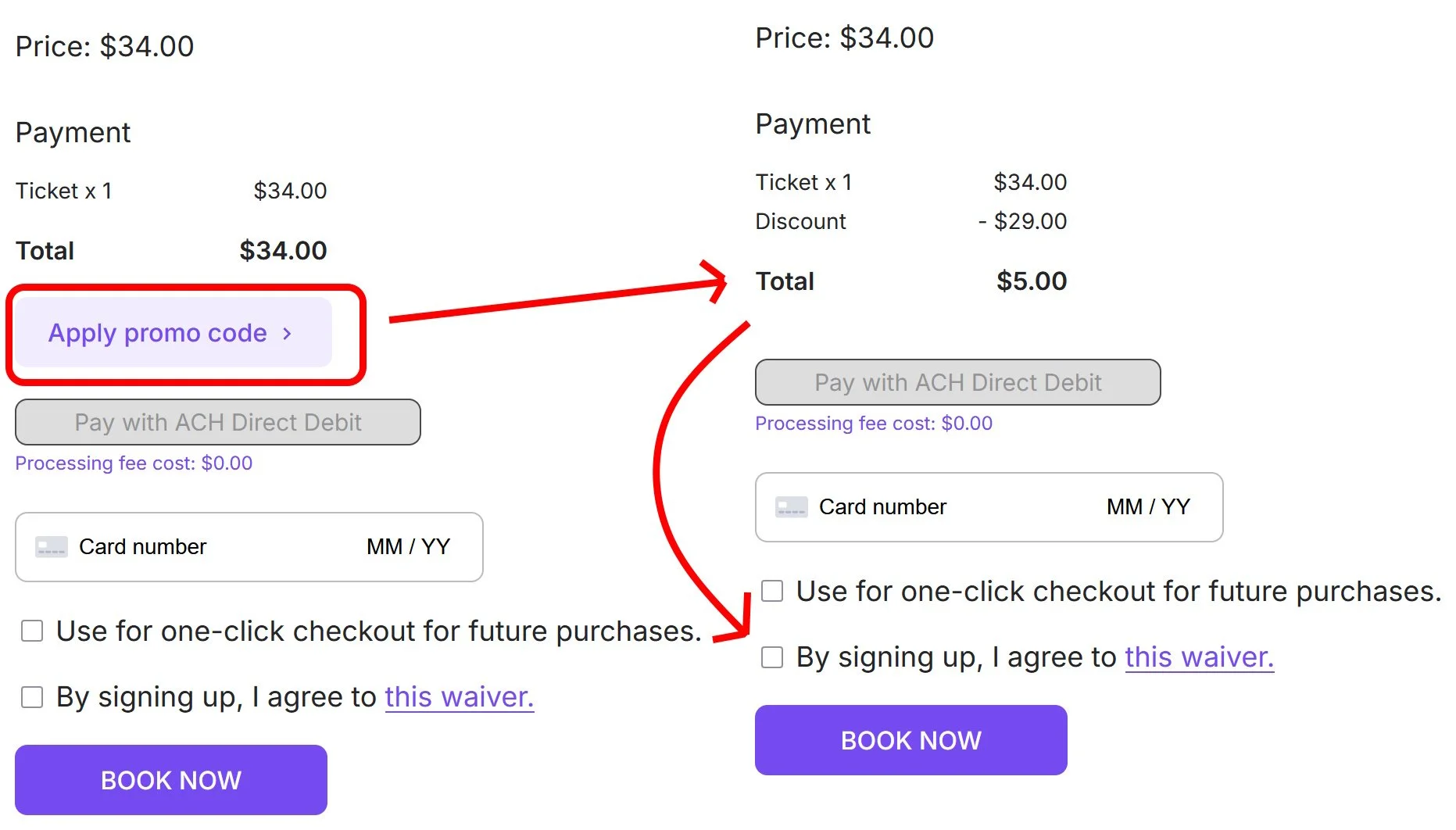
Have a Promo Code you want to give to a friend? Follow these steps!
Send Code: Send the Promo Code + Class Schedule to the parent.
Friend Booking: Have them book the class using the code.
Checkout: The waiver will be completed during checkout.
Sharing a Class Pack
You can share your Class Pack with a friend.
Waiver (Required): Send the waiver to the parent (if they haven’t yet signed).
Contact Us: We’ll set up pack sharing on your account.
Book a Class: We can reserve a spot for your friend.